
Turn any idea into professional image edits using powerful AI - no skills required, free to use.
or drag and drop an image here


Free AI Image Editor
- Edit Images Online, No Sign-Up
AI Image Editor by VDraw that lets you edit and enhance photos instantly using simple text prompts. Professional-quality visuals - no design skills required.
What Is an
AI Image Editor?
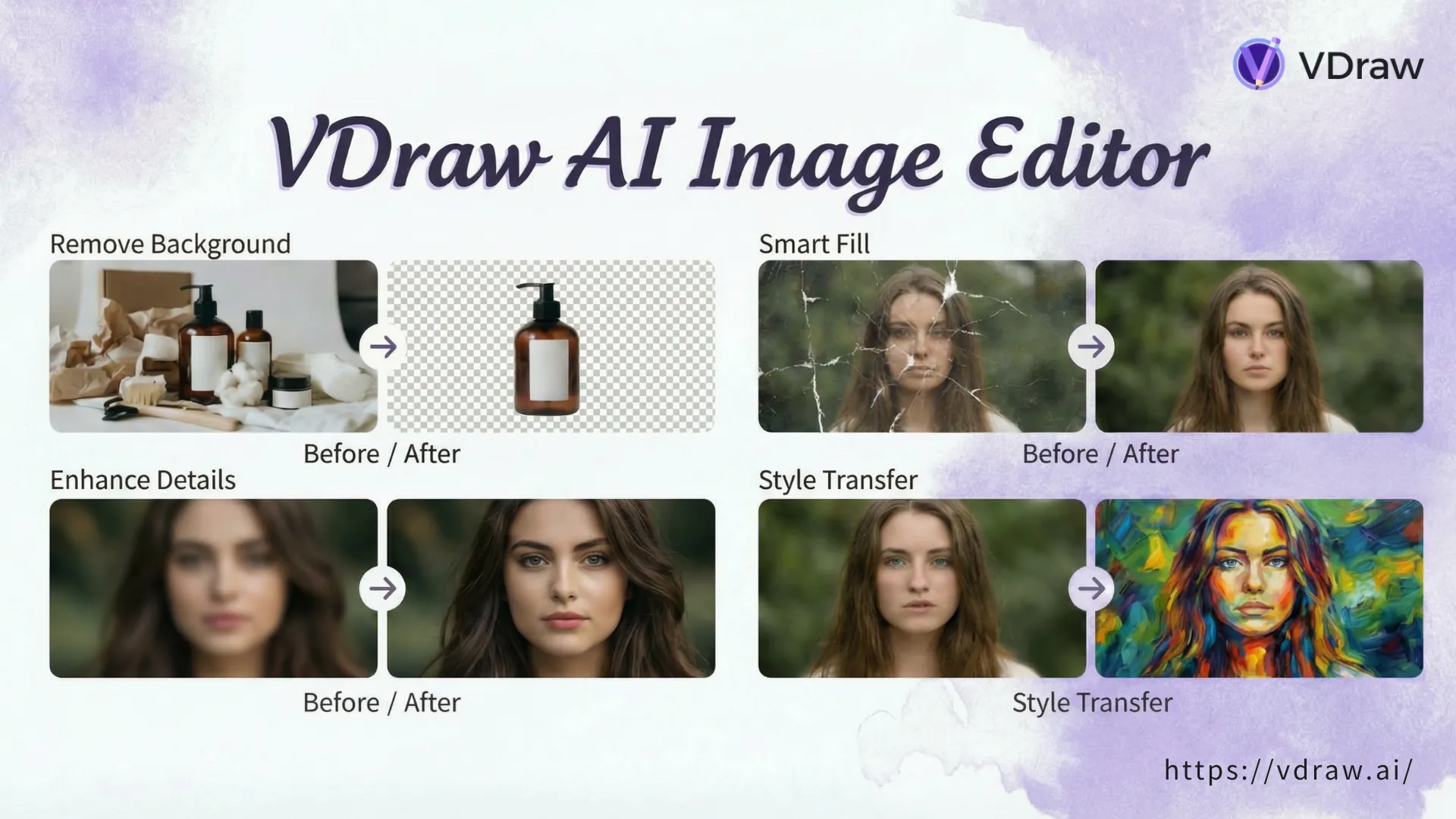
An AI Image Editor uses artificial intelligence to modify images through natural language instructions.
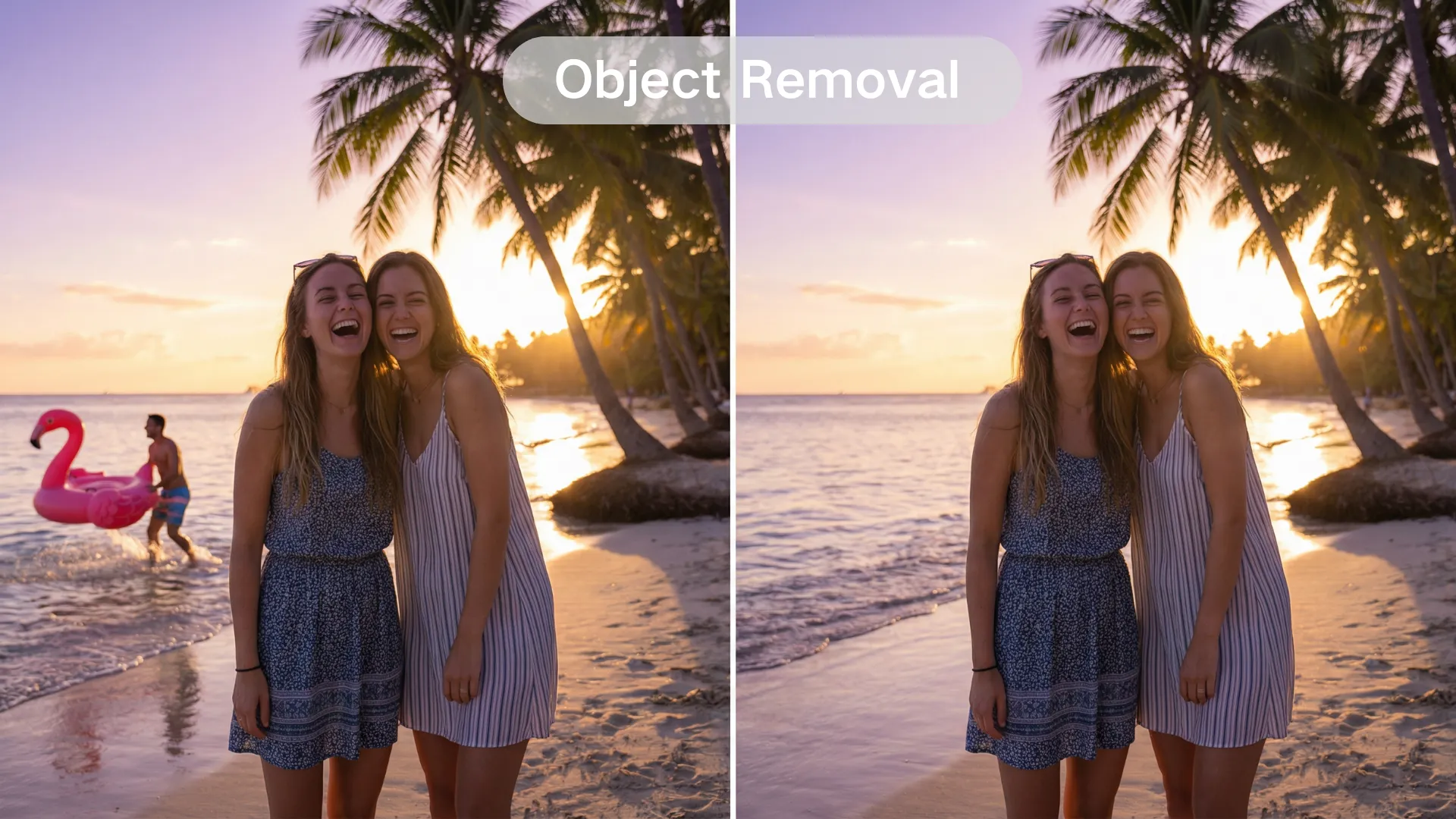
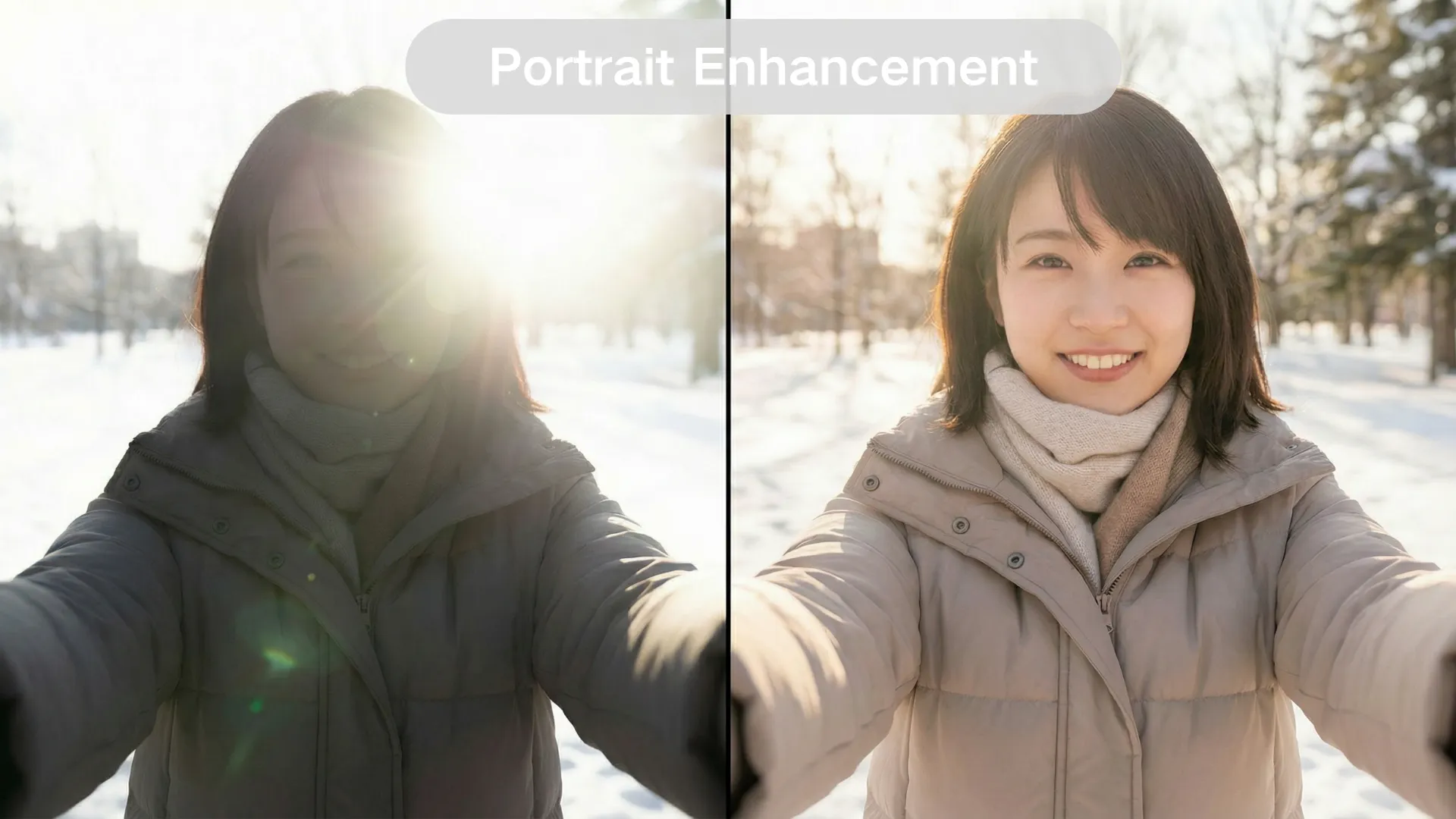
With VDraw, you can add, remove, enhance, or restyle image elements simply by describing what you want - faster than traditional editing tools and without technical skills.
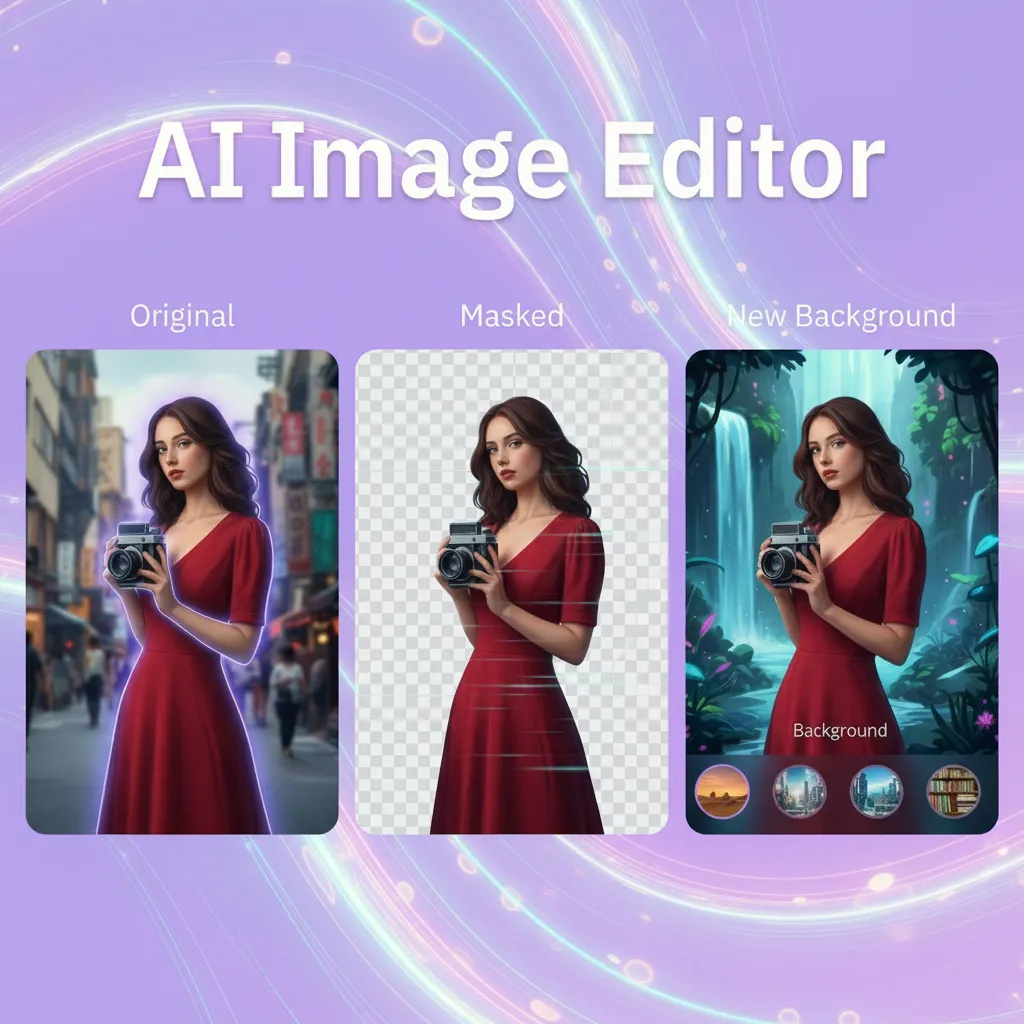
How to Use Our AI Image Editor
Upload Your Image
Start by uploading your photo in JPG, PNG or WebP format - no setup required.
Describe Your Edits & Select Options
Type what you want to change, enhance, or add. Choose model and output size if needed.
Preview & Download
Preview the result and download a high-quality, watermark-free image from the AI Image Editor instantly.
Real-World Use Cases for AI Image Editor
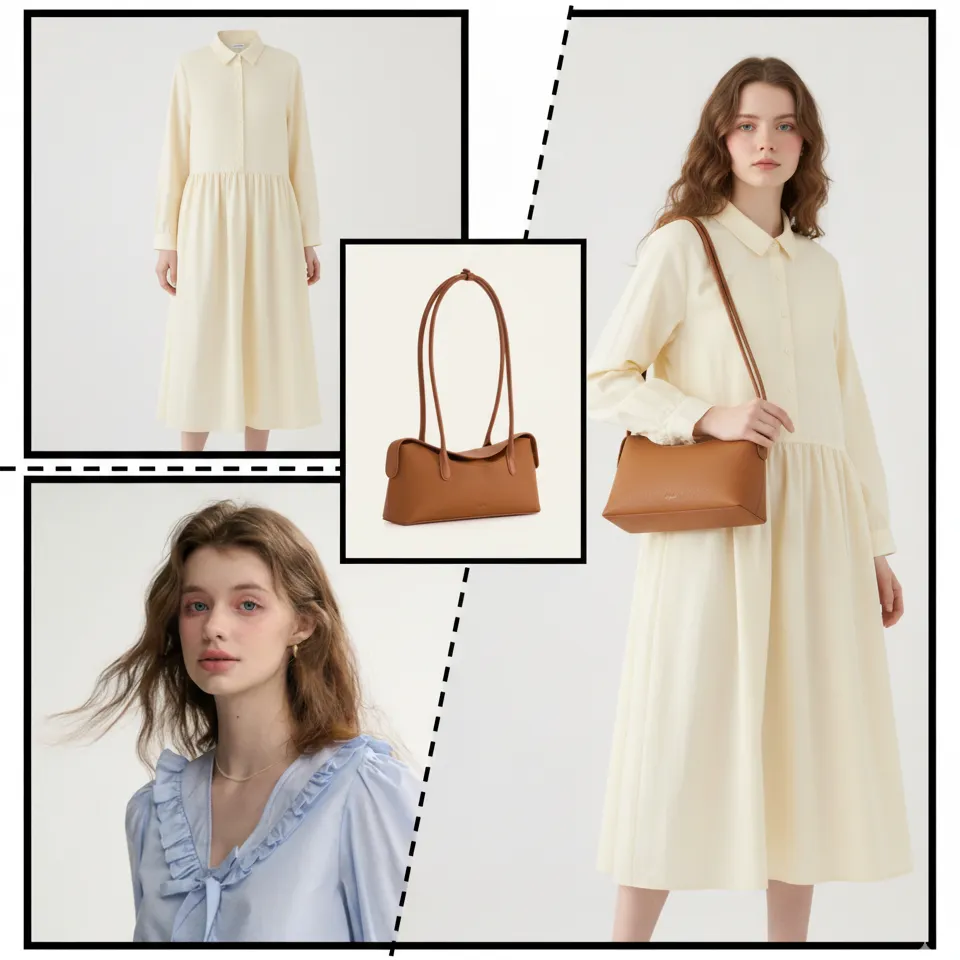
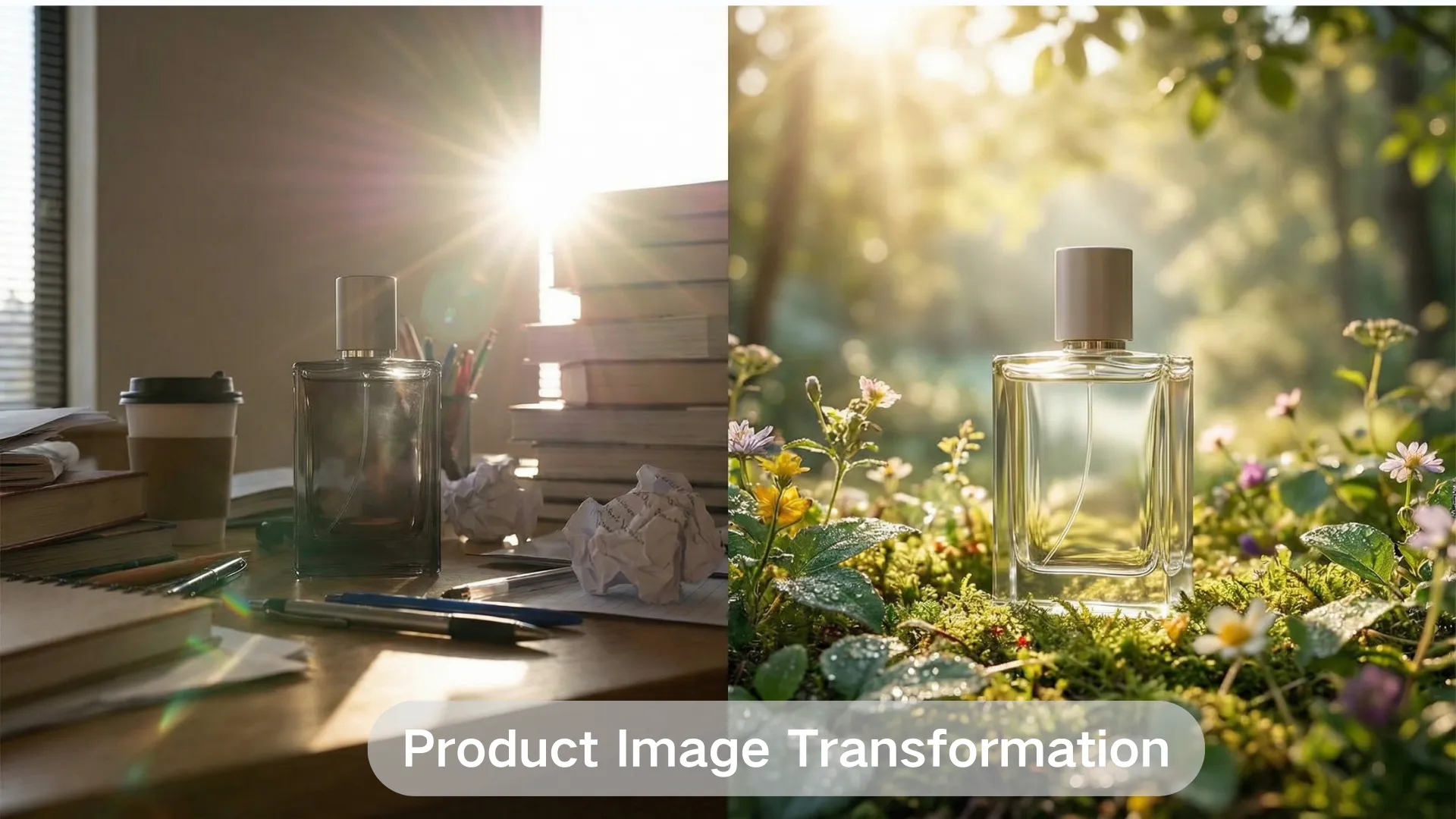
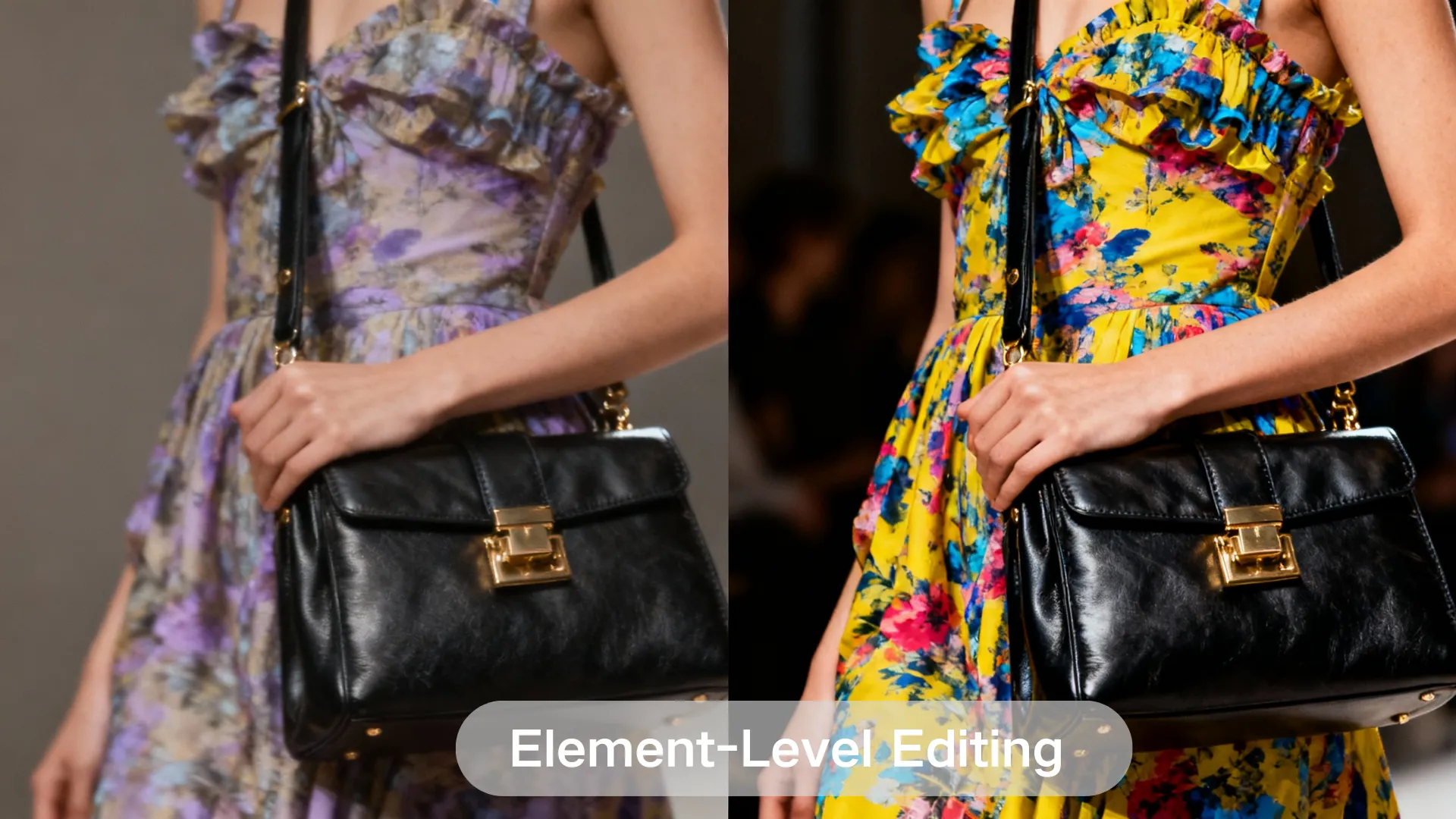
From marketing visuals to social media and product images, VDraw's AI Image Editor helps creators and teams edit images effortlessly. Simply enter a prompt to transform, enhance, or combine images - effortless edits that bring your ideas to life.
Start uploading a photo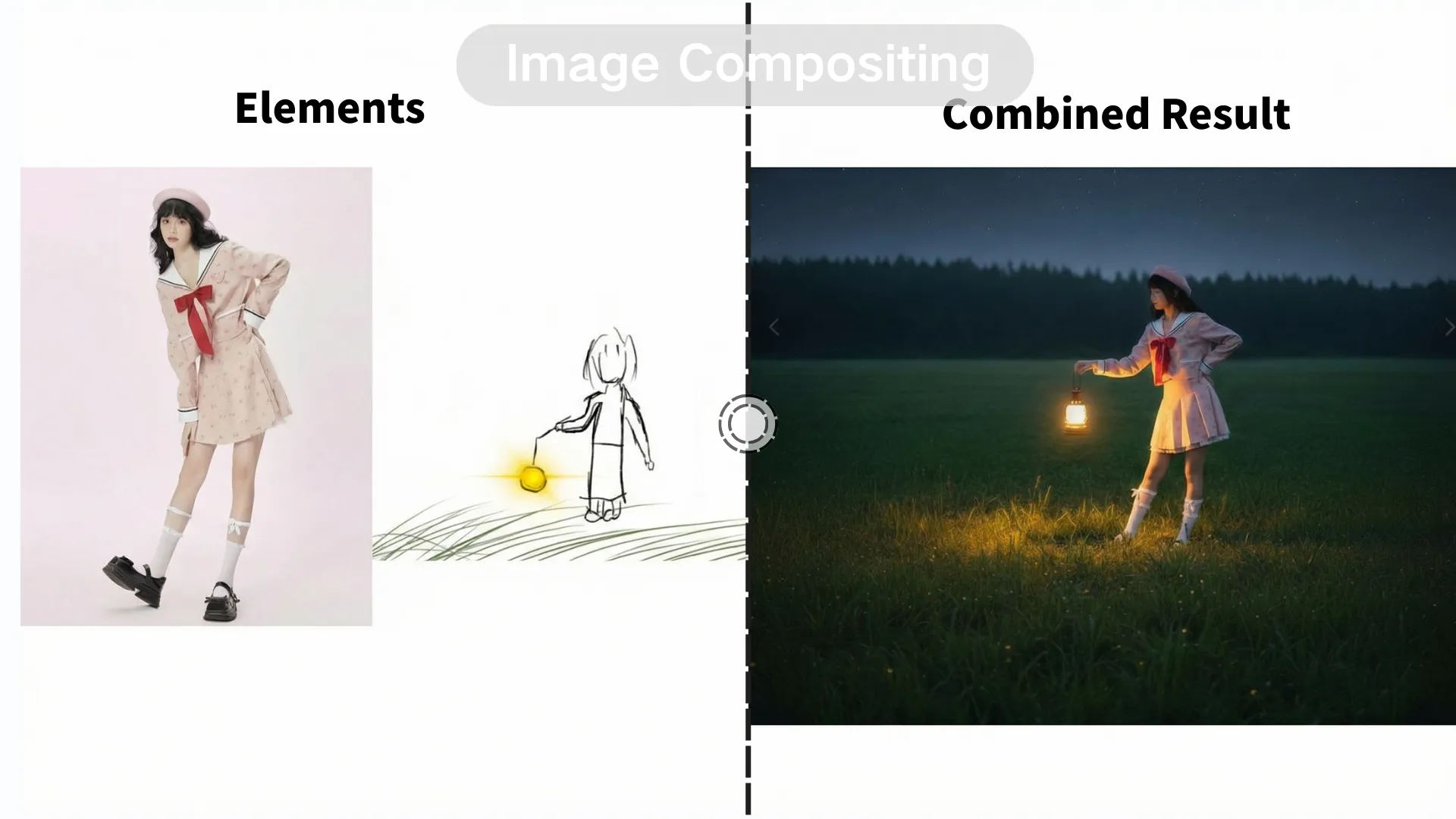
Struggling with Slow, Complex Image Editing?
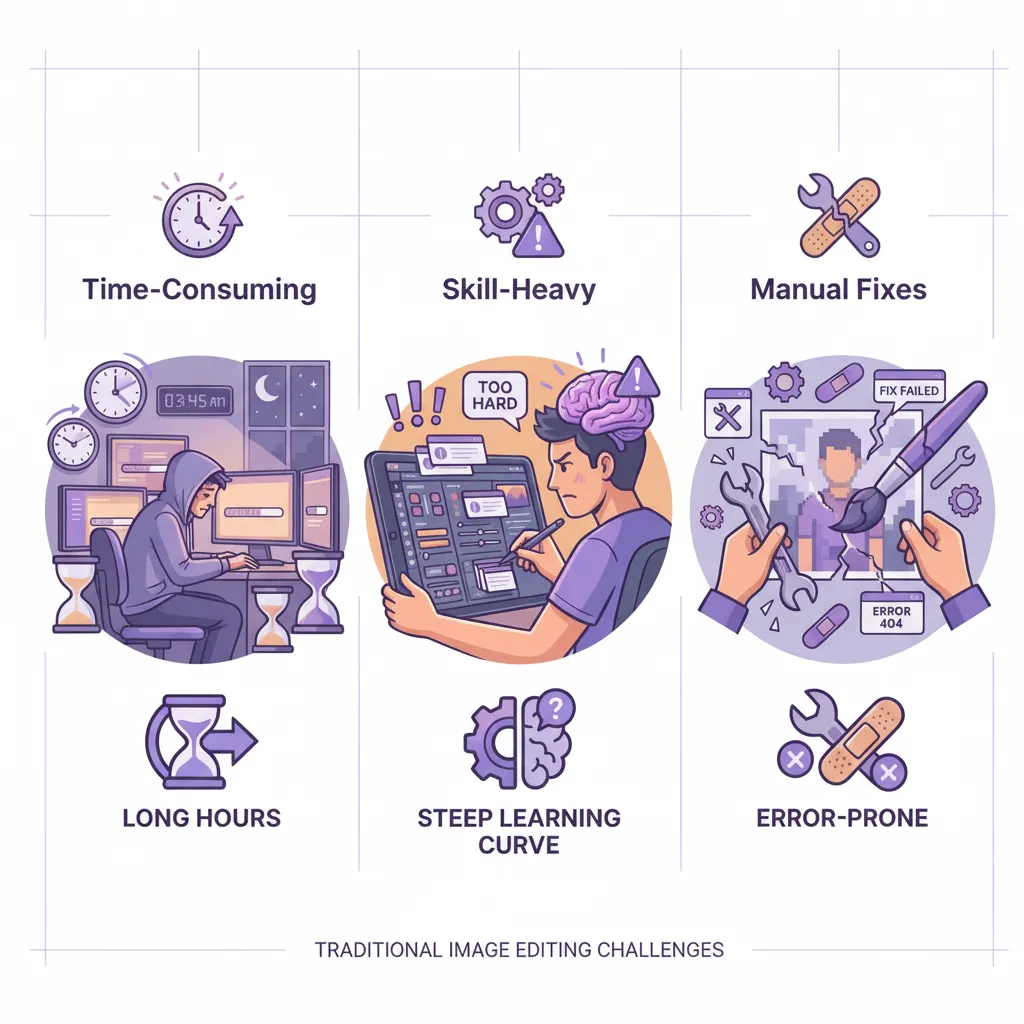
Traditional image editing is time-consuming and skill-heavy. Complex tools and manual fixes make image editing inefficient.
VDraw's AI Image Editor produces professional-quality results in seconds with AI.
Why Choose
VDraw's AI Image Editor?
Not all AI image editors are built the same. VDraw prioritizes realistic results, flexible control, and real-world usability - so your edits are not just impressive, but actually usable.
Idea-Driven AI Editing, Not Skill-Driven Tools
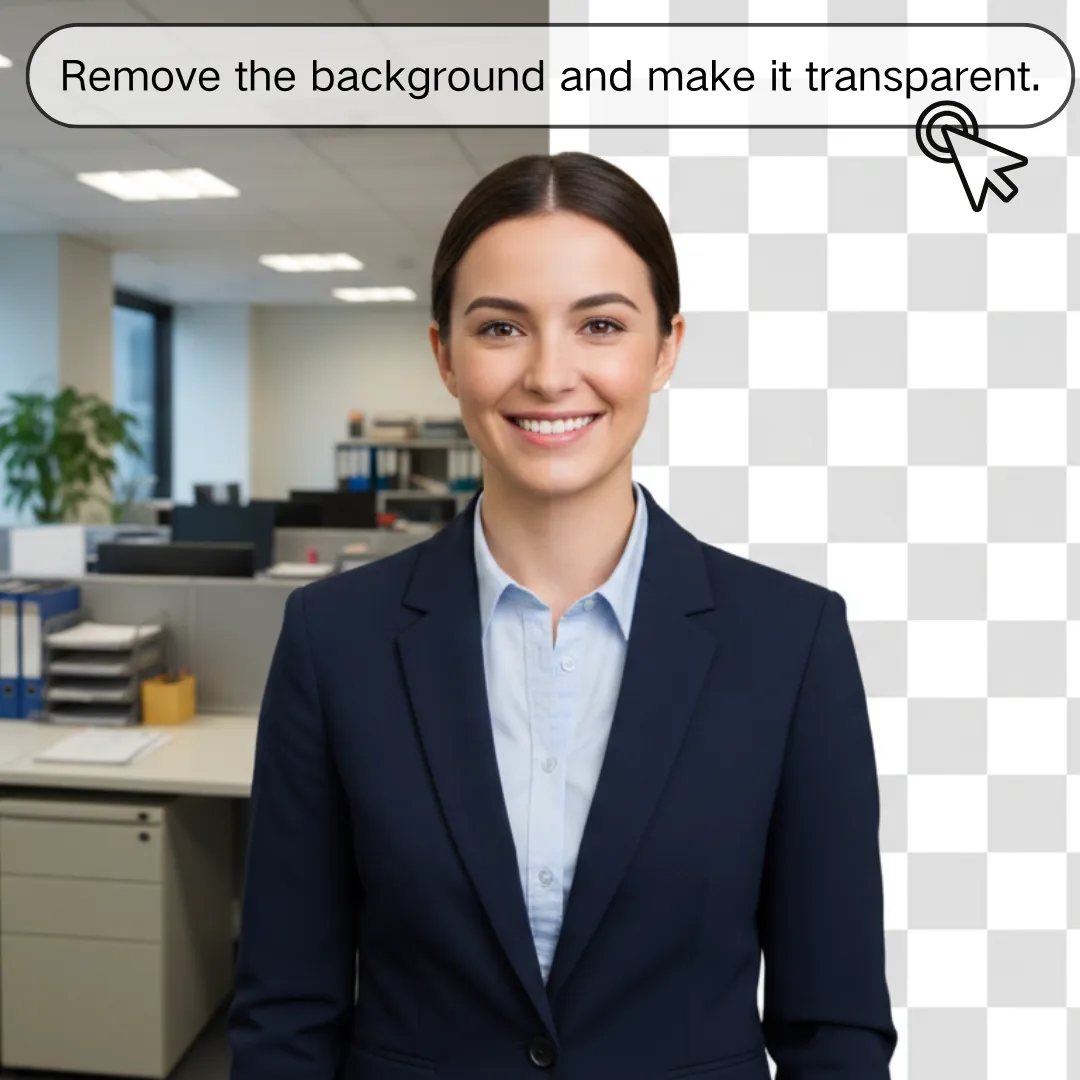
Edit images by describing your intent in plain language - no layers, brushes, or manual adjustments required.
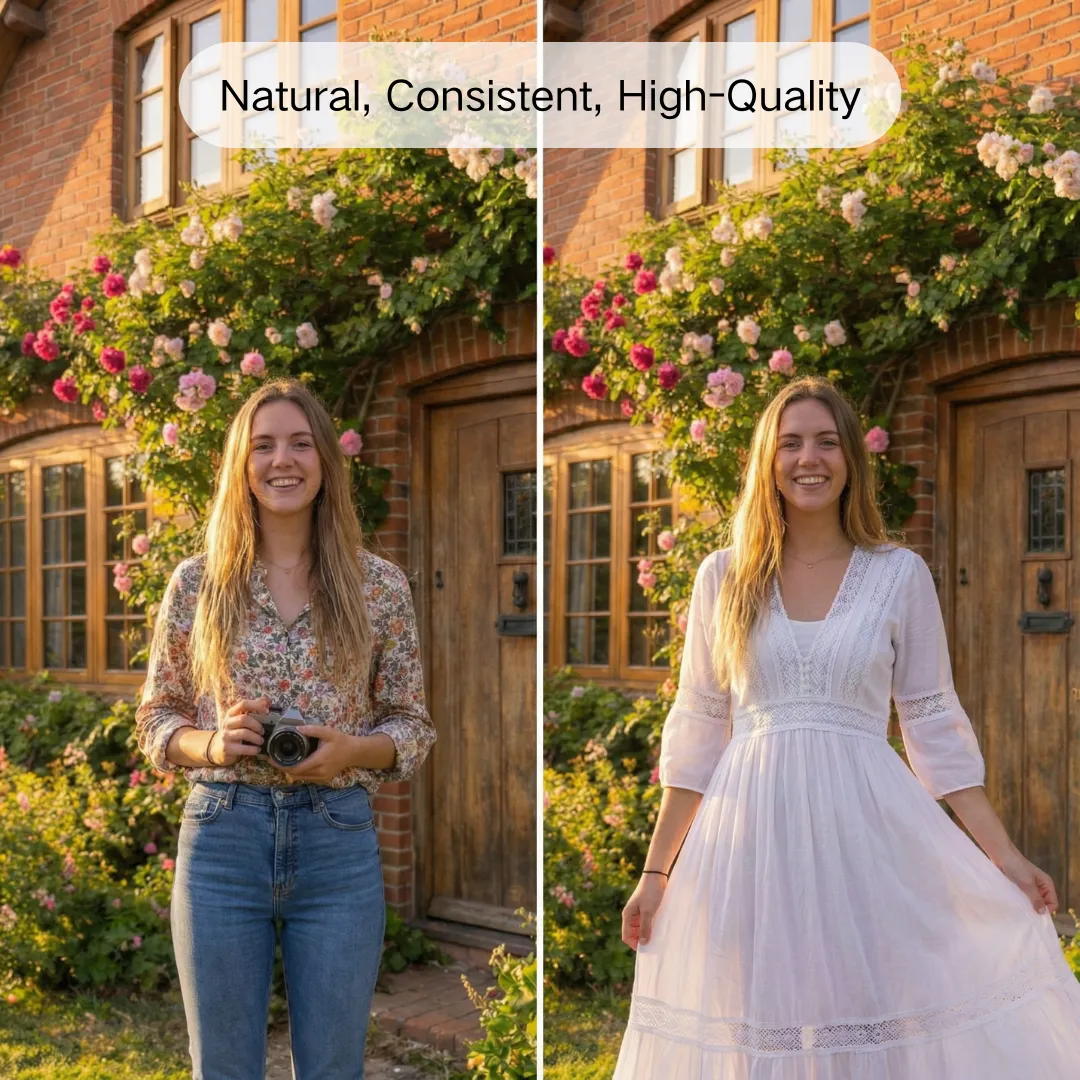
Natural, Consistent, High-Quality Results
Edits remain realistic and visually consistent, avoiding the over-processed look or unintended changes common in many AI tools.
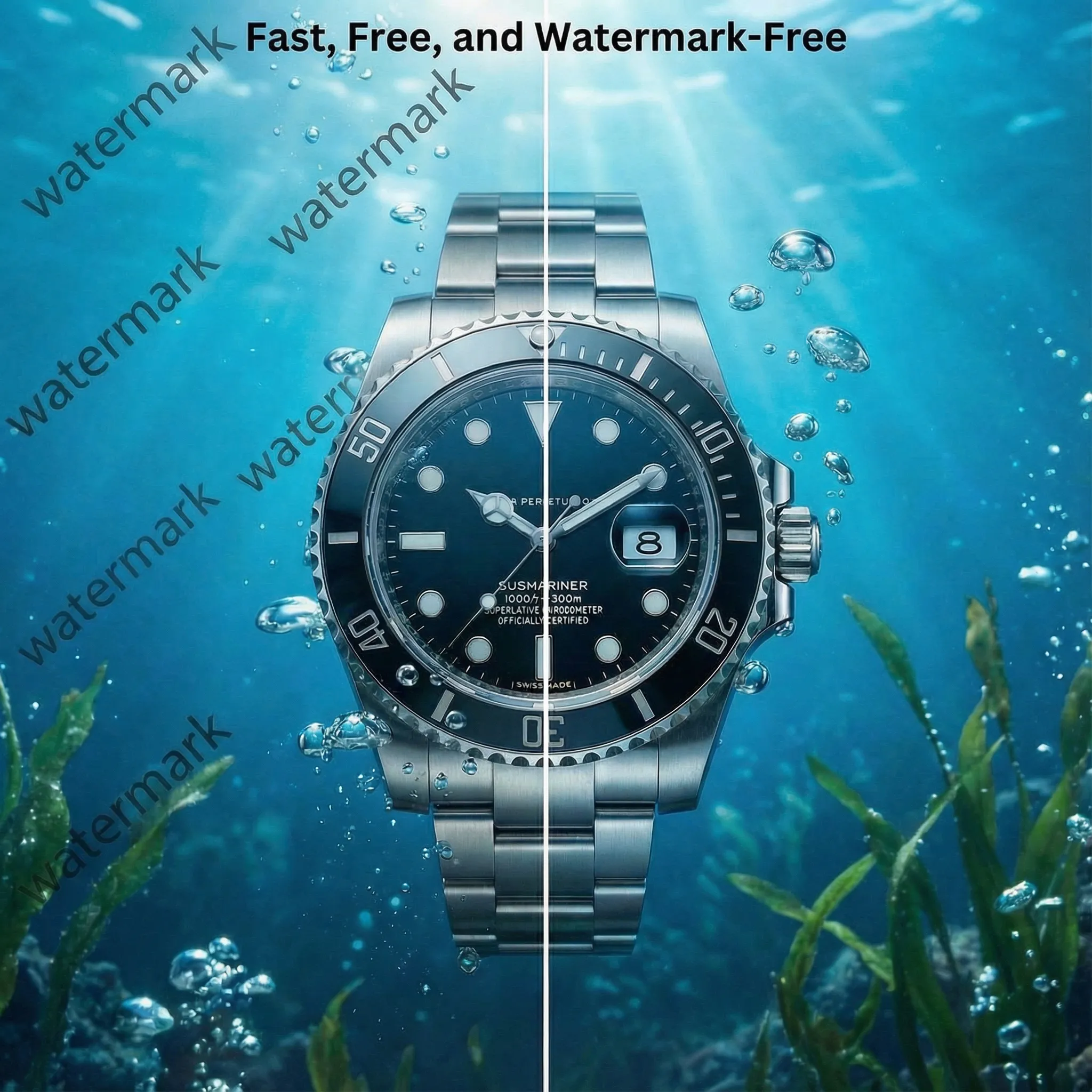
Fast, Free, and Watermark-Free
Get instant results with no hidden paywalls. Download clean, high-quality images ready for immediate use.
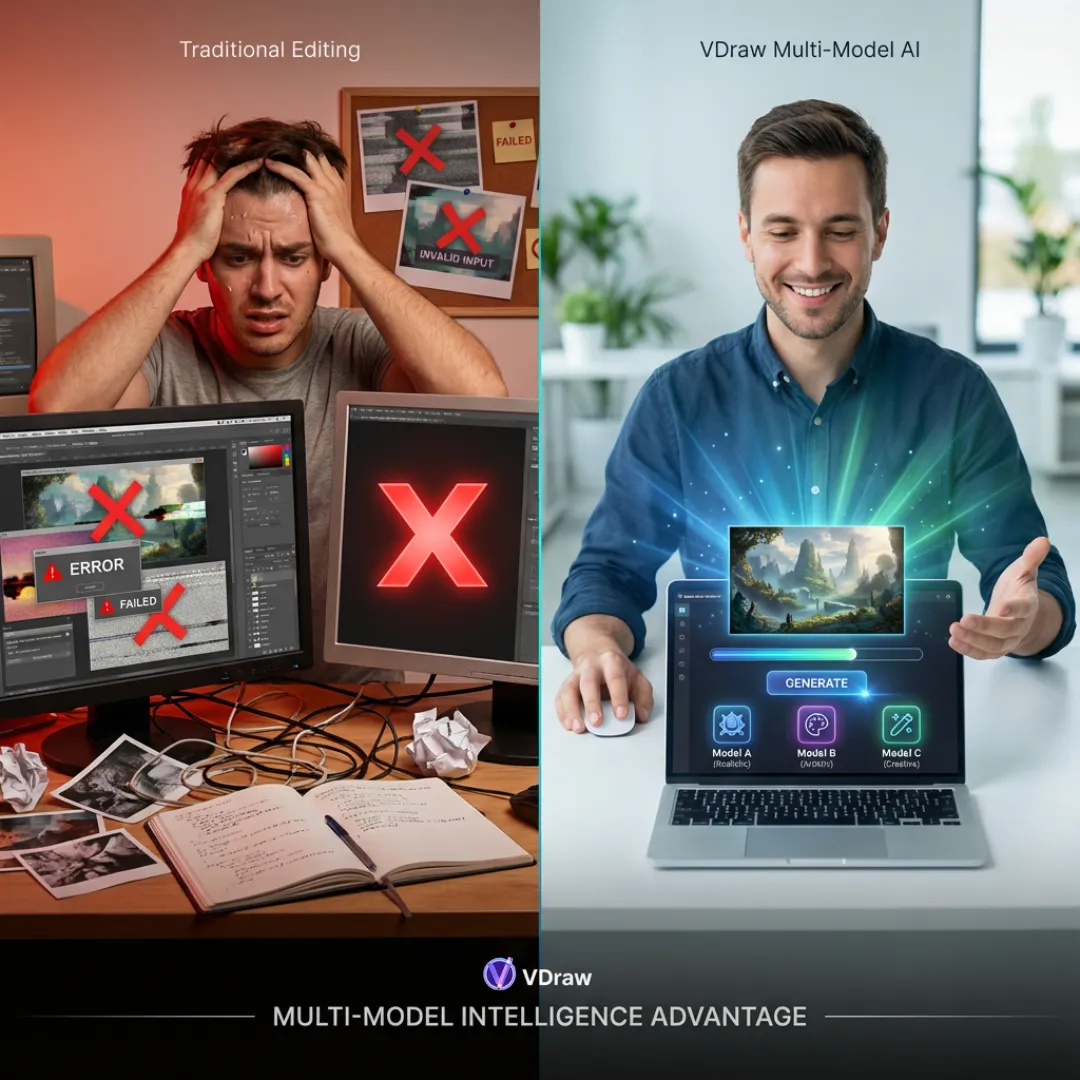
Multi-Model Intelligence for Reliable Results
Powered by multiple advanced AI models, VDraw's AI Image Editor selects the best approach for each edit - delivering sharp, dependable visuals without any design experience.
Start Editing Images Smarter with AI
Unleash your creativity and bring your ideas to life with VDraw's AI Image Editor. Try it now for free and see your vision instantly turned into stunning images - just upload, describe, and download!
Start Editing Images for FreeWhat People Say
About VDraw's AI Image Editor
I relied on the AI Image Editor to modify backgrounds, enhance image clarity, and fine-tune details for social media posts. It saved me hours of tedious manual editing while keeping the results natural and visually striking.

This AI Image Editor made it incredibly easy to remove unwanted objects and seamlessly blend multiple images. Thanks to it, my marketing visuals now look polished and professional within just a few minutes.

As a travel blogger, VDraw's AI Image Editor helps me quickly adjust styles, merge multiple images, and refine colors. The results always appear realistic and high-quality, making my content much more engaging.

I needed to replace backgrounds and enhance fine details in my professional photos. The AI Image Editor delivered excellent results effortlessly, making my workflow faster and the images ready to use immediately.

The tool is very intuitive. I simply typed my editing ideas, selected a model and the desired image size, and instantly downloaded high-quality results. The AI Image Editor consistently produces professional-grade images without hassle.

VDraw's AI Image Editor allows me to add, remove, or modify image elements with ease. It's free, fast, and ensures that every visual I create looks professional and polished, saving me a lot of time in the process.